Skip to content
MoniV GUIDE
Get StartedCreateFAQRelease Notes
日本語 / English

MoniV Guide

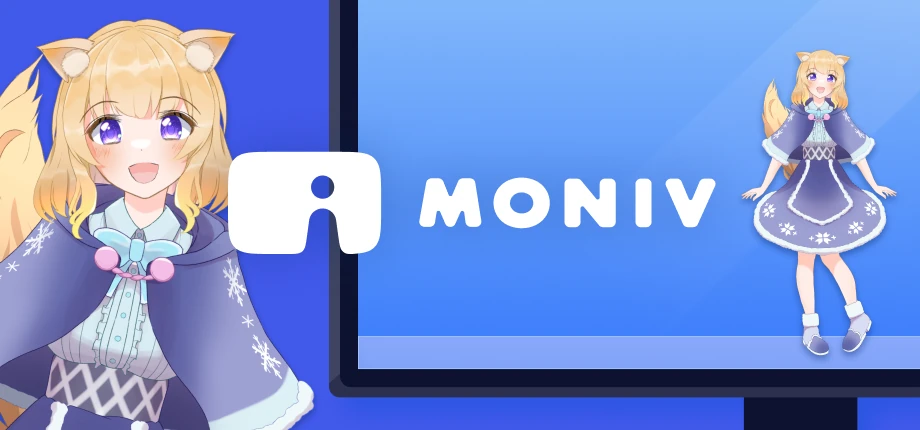
MONIV logo with Moko beside a monitor and on its desktop.

Getting Started

Import your first character and try the desktop controls.

Create a Character

Turn your transparent videos into a character pack.

Preparing Videos

Export availability and transparent video requirements.

FAQ Release Notes

Screenshots

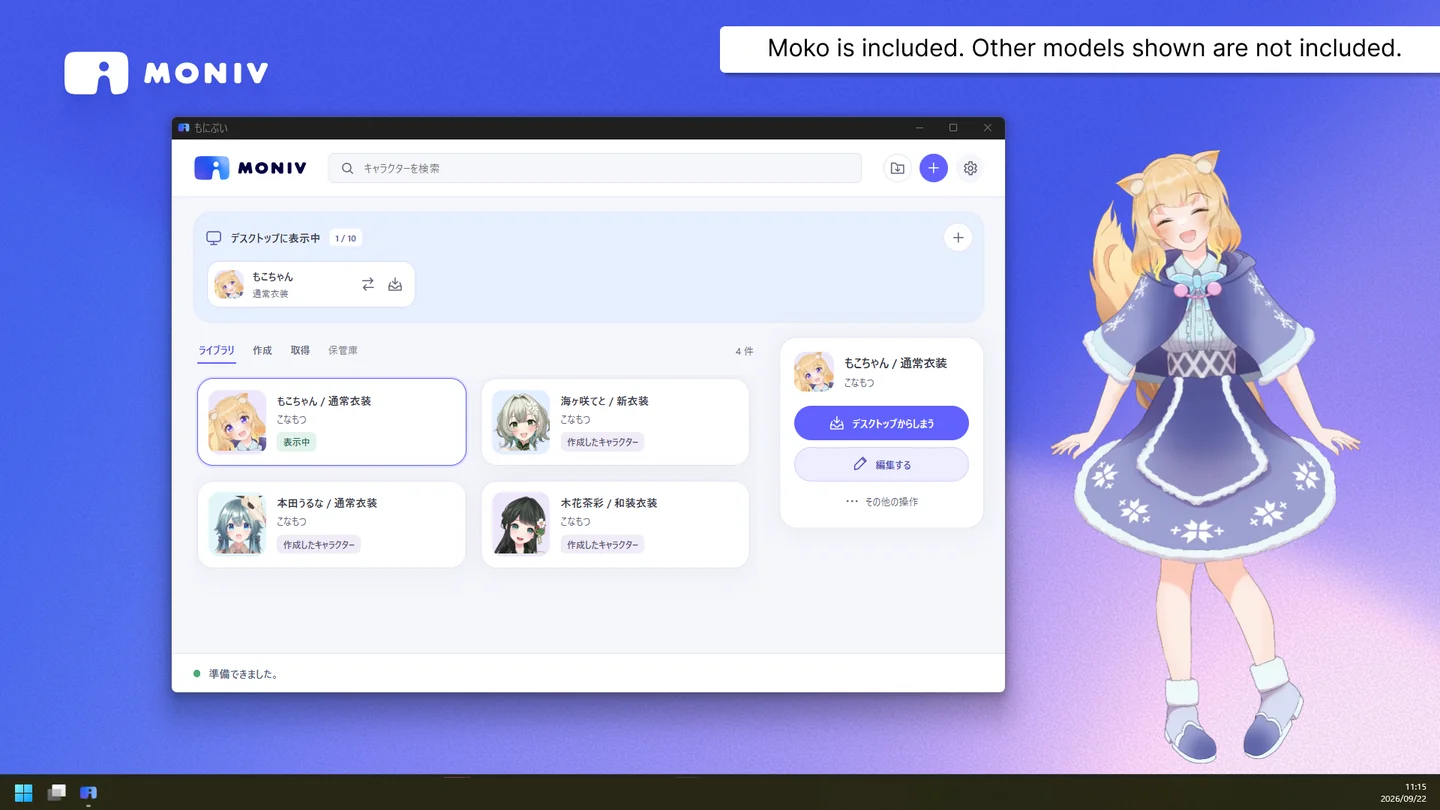
The MoniV character library with Moko displayed beside the window.
Character Library
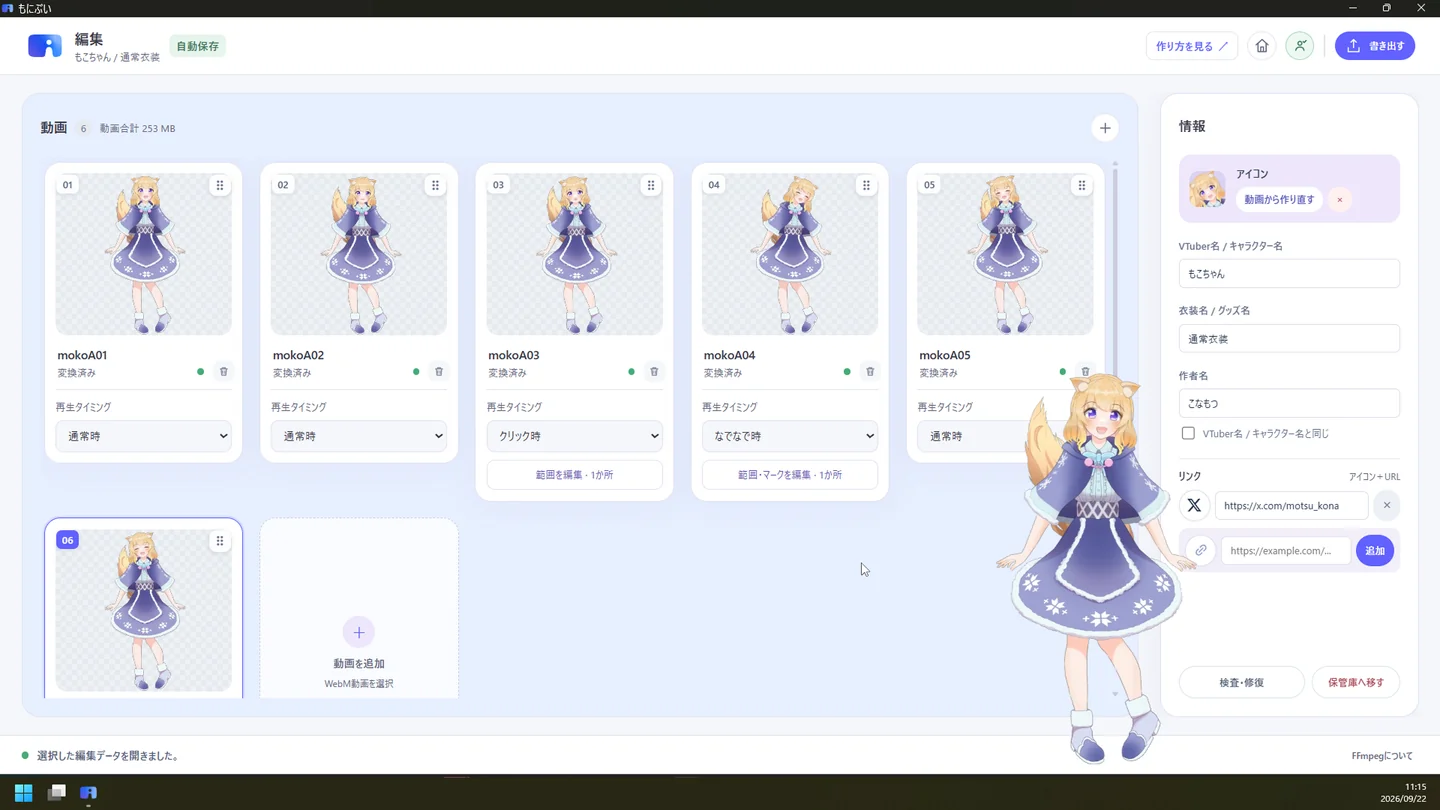
The MoniV editor showing video cards, reaction settings, and a character preview.
Character Editor

Screenshots show the Japanese interface.

MoniV Guide
Contact Konamotsu Studio